How it works
From Property Setup To Perfect
Books In Under 5 Minutes

Get Started in 3 Simple Steps
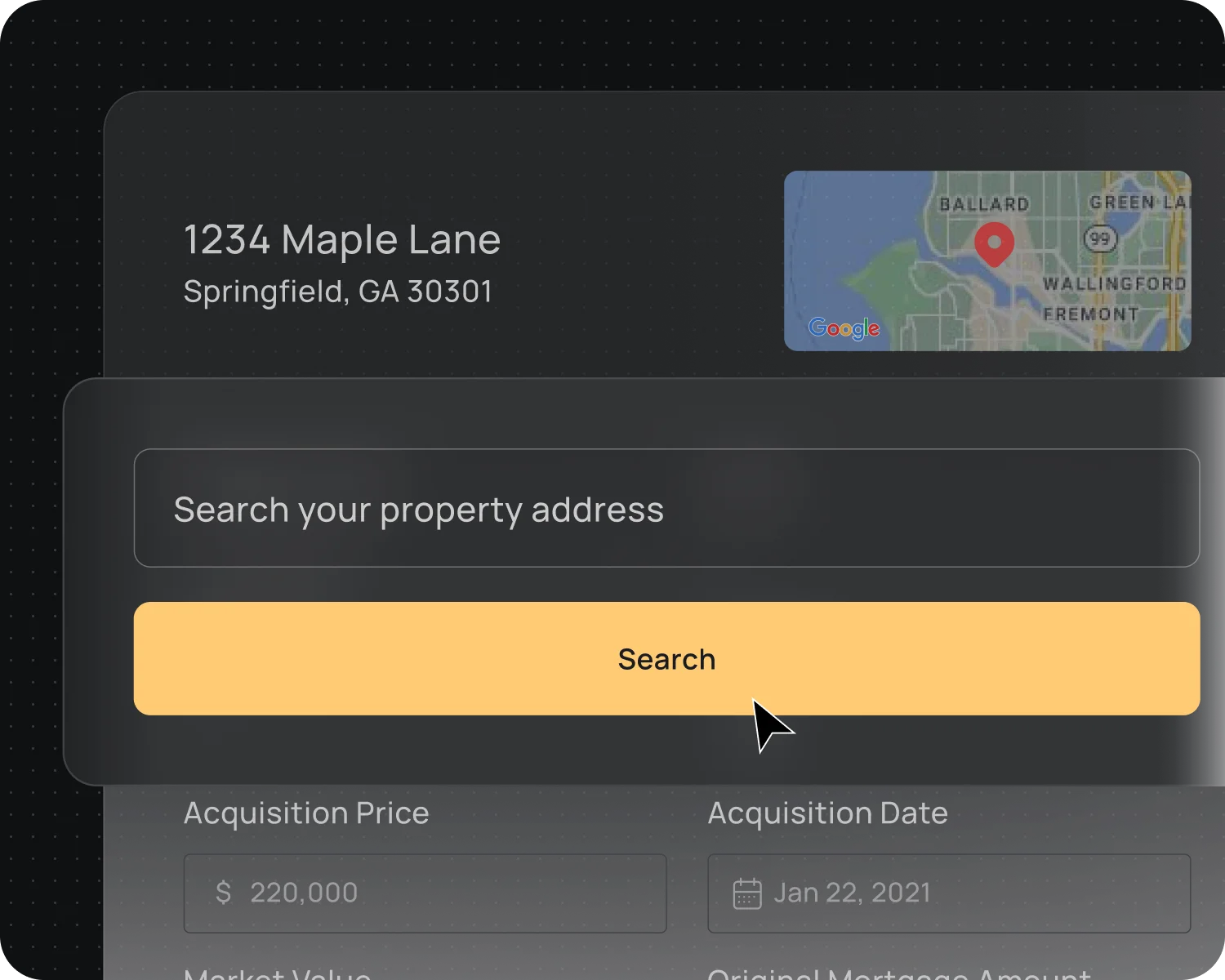
Step 1: Add Your Property
Simply enter your property address
FourCasa pulls all public data to fill in details like build year, property type, area, and more.
You can edit or add any details later as needed.
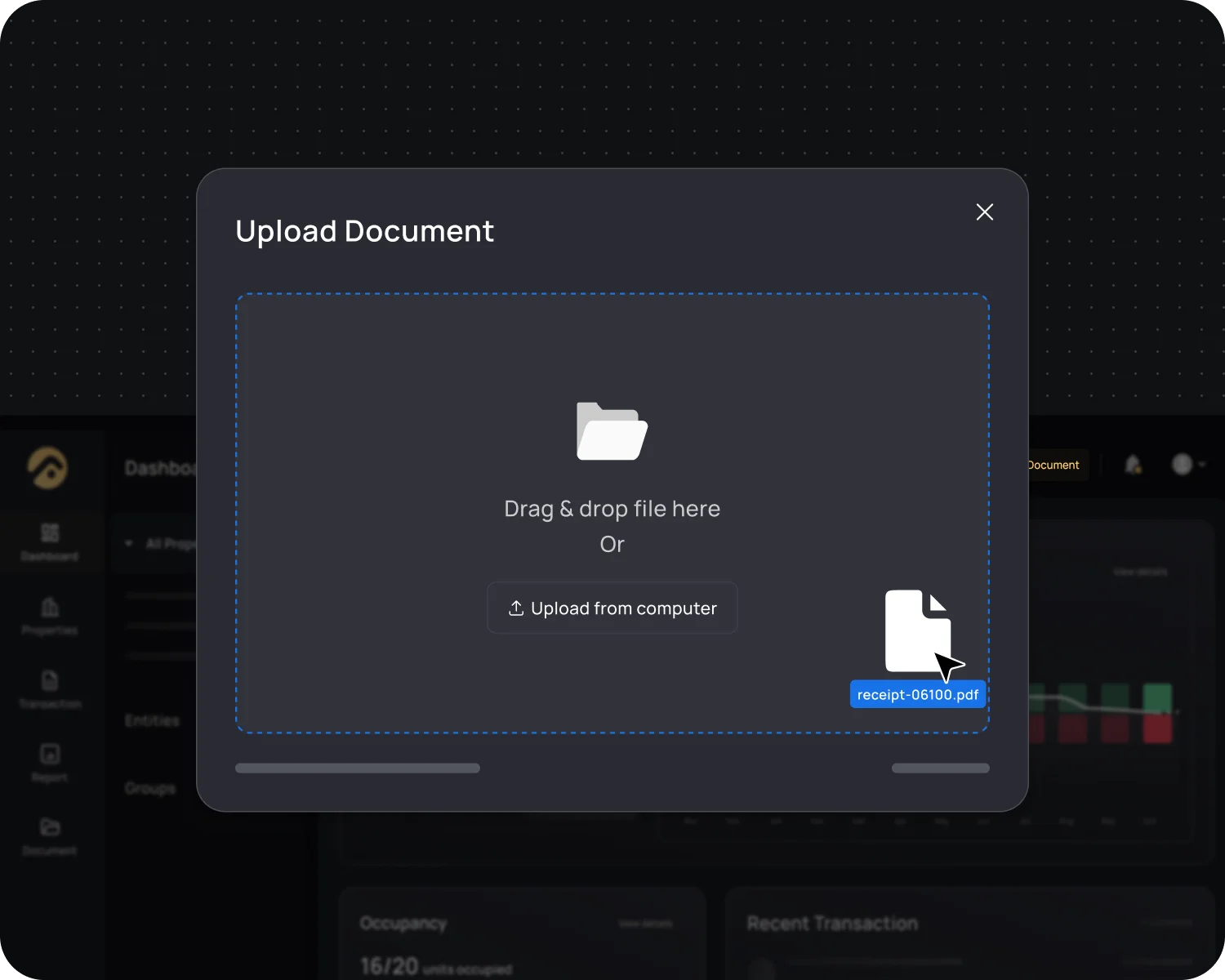
Step 2: Upload Your Documents
No setup required. Just start uploading
Supports any type of documents: receipts, invoices, lease agreements, statements, bills, and expenses.
All documents are stored safely for future use.
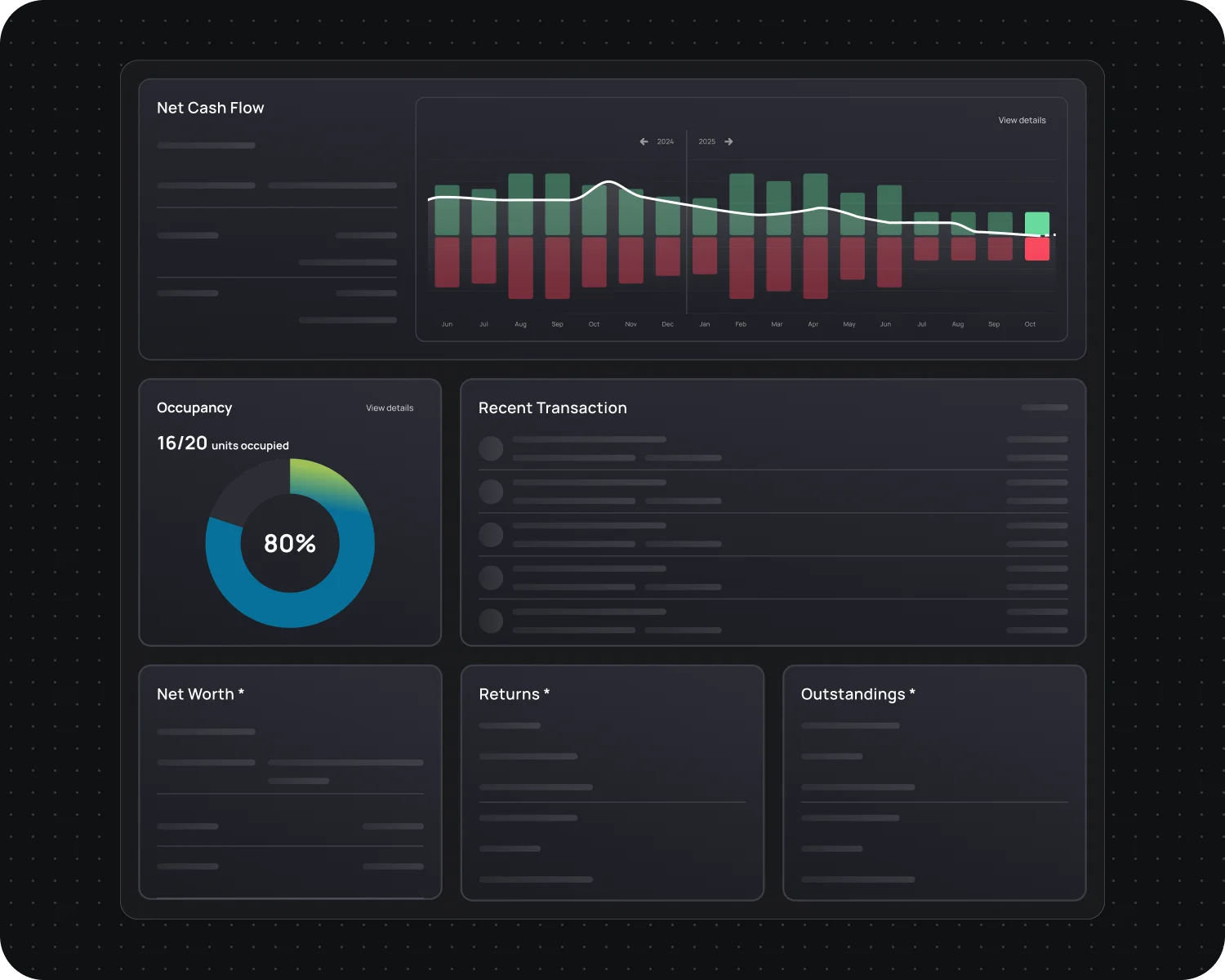
Step 3: Get Instant Insights
Your complete financial picture at a glance
Our AI automates your book with data from your documents.
Track cash flow, income/expenses, and be tax-ready all year round.
Bonus: Banking Integration
Connect your bank accounts and let FourCasa automatically handle your bookkeeping.
- Real-time transaction imports from your account
- AI categorizes income and expenses by property
- Set up custom rules so FourCasa books everything exactly how you want
We use Plaid as our trusted integration partner and never store your bank login information. Your security is our priority.
What landlords are saying
Ready to Simplify Your Bookkeeping?
Join thousands of landlords who've automated their finances with FourCasa
No credit card required.